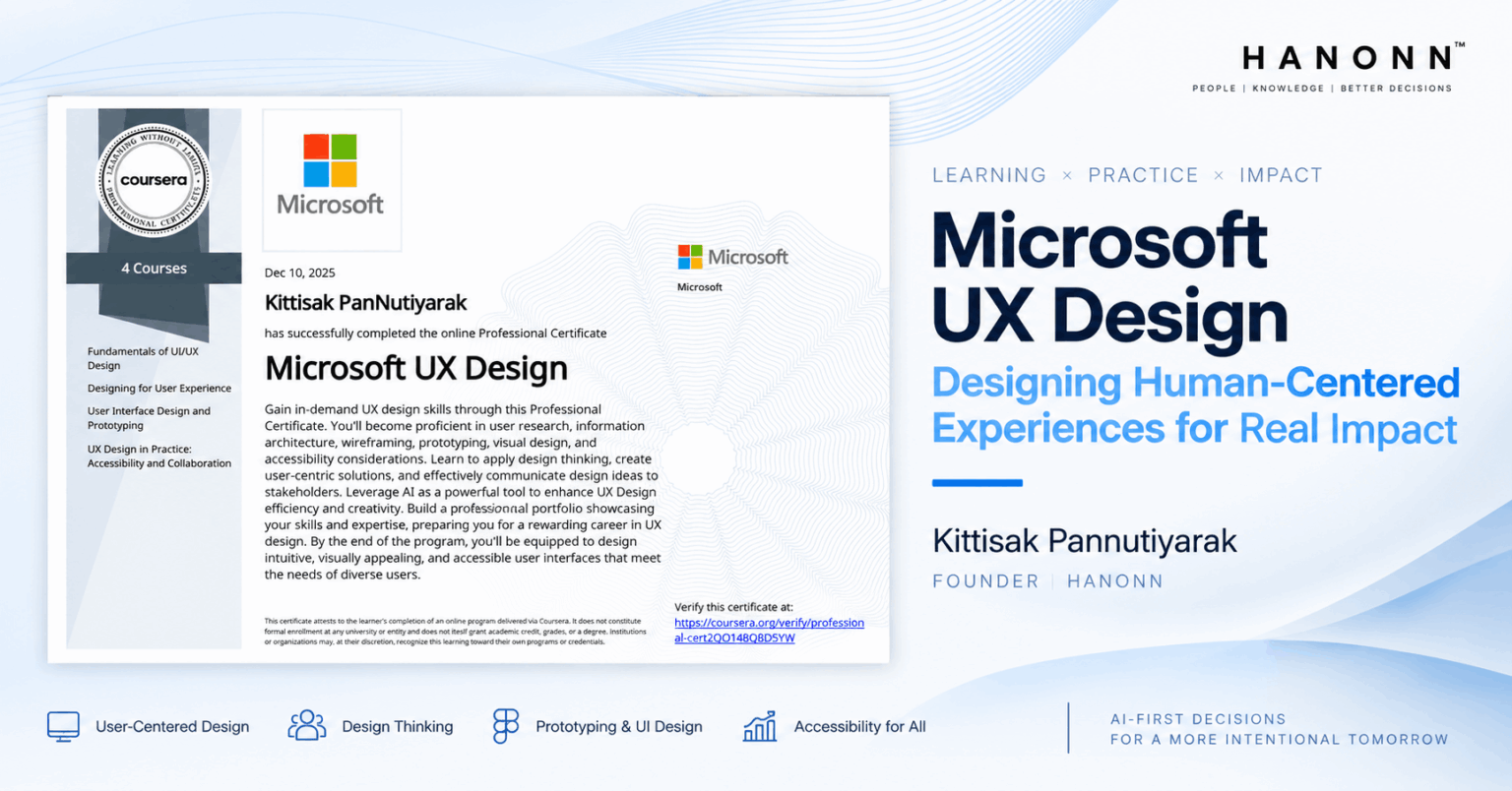
Microsoft UX Design Professional Certificate: How It Informed Intent-to-Income™
By Kittisak Pannutiyarak
Microsoft UX Design Professional Certificate ช่วยเสริมวิธีคิดในการแปลง User Needs และ Research Insights ให้เป็น Information Architecture, User Flows, Wireframes และ Interactive Prototypes ที่สามารถตรวจสอบได้
ผมเชื่อมหลักคิดเหล่านี้กับ Intent-to-Income™ เพื่อพิจารณาว่า Decision Support ควรถูกจัดโครงสร้าง และนำเสนอผ่าน Interface อย่างไร เพื่อให้ผู้ใช้สามารถตรวจสอบ เปรียบเทียบ และกำหนด Next Step ได้
-
- Structure Before Screens: ก่อนออกแบบหน้าจอ ควรจัด Information Architecture, User Flow และความสัมพันธ์ของข้อมูลให้สอดคล้องกับสิ่งที่ผู้ใช้ต้องประเมิน
- Prototype Before Build: Wireframes และ Interactive Prototypes ช่วยตรวจสอบเส้นทางการใช้งานและการเข้าถึง Decision Support ก่อนพัฒนาระบบจริง
- Accessibility is Part of Design: Decision Support ควรถูกออกแบบให้ผู้ใช้เข้าถึง รับรู้ และโต้ตอบได้ภายใต้ความสามารถและข้อจำกัดที่แตกต่าง
Program Overview
Microsoft UX Design Professional Certificate
-
- Program: Microsoft UX Design Professional Certificate
- Provider: Microsoft
- Program Type: 4-course Professional Certificate
- Credential ID: 2QO148O8D5YW
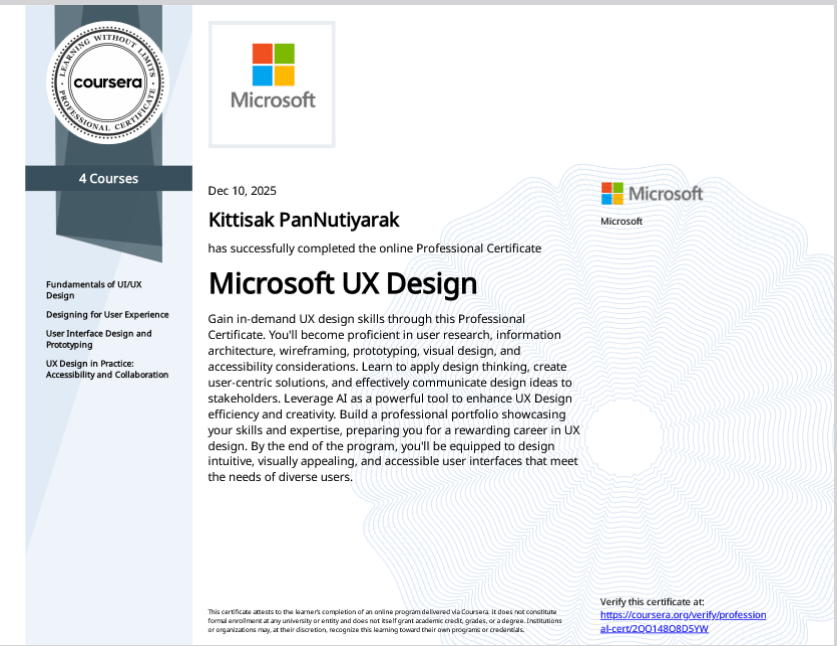
Microsoft UX Design Professional Certificate
ครอบคลุม User Research, Information Architecture, Wireframing, Prototyping, Accessibility และ Collaboration พร้อมใช้ Figma และ Fluent 2 ในการพัฒนางานออกแบบ
Fundamentals of UI/UX Design
เรียนรู้พื้นฐาน UX Design, Human-Centered Design, Design Thinking และบทบาทของทีม UX
Designing for User Experience
วิเคราะห์ User Needs และ Research Insights เพื่อนำไปสร้าง Storyboards, User Flows, Journey Maps และ Information Architecture
User Interface Design and Prototyping
สร้าง Wireframes, Mockups และ Interactive Prototypes ด้วย Figma และ Fluent 2 พร้อมเรียนรู้พื้นฐาน Usability Testing
UX Design in Practice: Accessibility and Collaboration
พัฒนา High-fidelity Mockups โดยคำนึงถึง Accessibility, Platform Guidelines และ User Feedback
Credential Context & Attribution
ขอบเขตของ Research, Learning และ Intent-to-Income™
Professional Certificate และ Course Materials ที่กล่าวถึงในบทความนี้ใช้เป็น Learning Evidence และเป็นส่วนหนึ่งของการพัฒนาความรู้ของผู้เขียน
Intent-to-Income™ เป็น proprietary Reference Decision Architecture ที่ออกแบบโดย Kittisak Pannutiyarak และพัฒนาต่อภายใต้ HaNonn ไม่ได้เป็น Framework ที่พัฒนาโดย Microsoft, Coursera หรือผู้จัดทำหลักสูตร
การเชื่อมโยง UX Principles, Information Architecture และ Prototyping เข้ากับ Intent-to-Income™ เป็นการตีความและสังเคราะห์ของผู้เขียน ไม่ควรถูกตีความว่า Microsoft หรือ Coursera รับรองหรือมีส่วนร่วมในการพัฒนา Architecture
Information Architecture
จาก Unstructured Information สู่ Decision-Oriented Structure
ในบริบทของ AI Decision Intelligence ระบบอาจรวบรวม Product Claims, Supporting Evidence และ Alternatives ได้จำนวนมาก แต่ยังไม่ตอบว่าผู้ใช้จะค้นหา Criteria เปรียบเทียบทางเลือก และตรวจสอบหลักฐานได้อย่างไร
Information Architecture ใช้จัดหมวดหมู่ ลำดับชั้น และเส้นทางเข้าถึงข้อมูล ส่วน Design Systems ช่วยให้รูปแบบและพฤติกรรมของ Interface มีความสอดคล้องกัน จึงนำมาประยุกต์ใช้ในการออกแบบ Decision Interface
* ตารางนี้เป็นการประยุกต์ของผู้เขียน
| Design Focus | คำถามที่ใช้ตรวจสอบ | บทบาทต่อ Decision Support |
|---|---|---|
| Information Hierarchy | ผู้ใช้รับรู้ทันทีหรือไม่ว่า ควรเริ่มประเมินจากจุดไหน? |
ช่วยให้ผู้ใช้มองเห็น Criteria สำคัญ และรู้ว่าควรเริ่มประเมินจากส่วนใด |
| Grouping & Comparison | Criteria สำคัญถูกจัดกลุ่มในรูปแบบที่ ช่วยการเปรียบเทียบ หรือไม่? | ช่วยให้เปรียบเทียบ Alternatives และ Trade-offs ภายใต้โครงสร้างเดียวกัน |
| Claim–Evidence Link | Supporting Evidence เชื่อมโยงกับ Claim อย่างชัดเจนหรือไม่? | ช่วยให้ผู้ใช้ตรวจสอบได้ว่า Evidence ใดสนับสนุน Claim หรือข้อสรุปใด |
| Visual Consistency | การนำเสนอ Alternatives สอดคล้องกับ Design System หรือไม่? | ช่วยให้ผู้ใช้เปรียบเทียบข้อมูลได้อย่างต่อเนื่องในทุกขั้นตอน |
Decision Interface นี้รวมถึงการจัดโครงสร้างข้อมูลและ Interaction ให้สอดคล้องกับ Decision Need
Prototyping & Usability Evaluation
นำ Design Intent มาตรวจสอบผ่าน Prototype
Decision Support อาจดูสมเหตุสมผลในระดับ Concept แต่เมื่อแปลงเป็น Interface อาจพบปัญหาด้านลำดับข้อมูล การเปรียบเทียบ Navigation หรือ Interaction ที่ยังไม่ชัดเจน
Wireframes และ Interactive Prototypes ช่วยทำให้ Design Assumptions เหล่านี้มองเห็นและตรวจสอบได้ก่อนพัฒนาระบบจริง
Prototype ช่วยตรวจสอบสมมติฐานเกี่ยวกับโครงสร้างข้อมูลและ Interaction แต่ยังต้องประเมินกับผู้ใช้ด้วย Measurement Logic
Application Perspective
Microsoft UX Design กับ HaNonn Decision Composer™
Information Architecture, User Flow และ Prototyping ถูกใช้เป็น Design Lens สำหรับพิจารณาการจัด Product Claims, Decision Criteria, Supporting Evidence และ Alternatives ให้เป็น Decision Support Blueprint ภายใน HaNonn Decision Composer™
Human–AI Decision Interface
HaNonn ไม่ได้พิจารณาเพียงการแสดง AI Output แต่รวมถึงความสามารถของผู้ใช้ในการมองเห็นสิ่งที่ระบบเข้าใจ ตรวจสอบที่มาของผลลัพธ์ และแก้ไขข้อมูลที่มีผลต่อการตัดสินใจ
Evaluation Questions ↓
| Principle | คำถามที่ใช้ประเมิน | ตัวอย่างหลักฐาน |
|---|---|---|
| Visible | ผู้ใช้ระบุได้หรือไม่ว่าระบบเข้าใจ Context และ Priorities อย่างไร? | Context confirmation, correction rate |
| Inspectable | ผู้ใช้ค้นหา Criteria, Evidence และ Uncertainty ที่เกี่ยวข้องได้หรือไม่? | Evidence-tracing task, task completion |
| Correctable | ผู้ใช้แก้ Context ปรับ Priorities หรือกู้คืนจาก Output ที่ไม่เหมาะสมได้หรือไม่? | Correction success, error recovery |
| Accessibility | ผู้ใช้ที่มีความสามารถแตกต่างกันสามารถรับรู้และควบคุม Interface ได้หรือไม่? | WCAG review, assistive-technology testing |
ตัวอย่างเหล่านี้ใช้ประเมิน Interface และ Interaction ไม่ใช่หลักฐานของ Decision Quality โดยตรง
Research Context ↓
Microsoft Research นำเสนอ Guidelines for Human–AI Interaction จำนวน 18 ข้อ ครอบคลุมการออกแบบ AI Experience ตั้งแต่เริ่มใช้งาน ระหว่างใช้งาน เมื่อ AI ผิดพลาด และการปรับตัวในระยะยาว ส่วน WCAG 2.2 ใช้เป็นแหล่งอ้างอิงสำหรับการประเมิน Web Accessibility
- Microsoft HAX Toolkit — Guidelines for Human-AI Interaction
- Amershi et al. (2019), Guidelines for Human-AI Interaction
- W3C — Web Content Accessibility Guidelines (WCAG) 2.2
Visible, Inspectable และ Correctable เป็นการสังเคราะห์ของผู้เขียนเพื่อนำหลัก Human–AI Interaction มาประยุกต์กับ Decision Interface ไม่ใช่ Taxonomy ของ Microsoft HAX Toolkit และการอ้างอิง WCAG 2.2 ไม่ได้หมายความว่า Application ได้รับการตรวจรับรองหรือมี WCAG Conformance แล้ว
REFLECTION
บทสรุป: จาก AI Output สู่ Decision Interface
AI Output ยังไม่ใช่ Decision Support โดยตัวมันเอง การนำ Output ไปใช้กับการตัดสินใจต้องอาศัย Context, Criteria, Evidence และ Interface ที่เปิดให้ผู้ใช้ตรวจสอบและโต้ตอบได้
Microsoft UX Design ช่วยเสริมวิธีคิดด้าน Information Architecture, User Flow, Prototyping, Usability และ Accessibility เพื่อแปลงข้อกำหนดของ Decision Support ให้เป็น Interface ที่สามารถตรวจสอบและปรับปรุงได้ก่อนพัฒนาระบบจริง
Can users inspect and act on your AI output?
หากระบบ AI สร้าง Output ได้แล้ว แต่ผู้ใช้ยังตรวจสอบ Evidence เปรียบเทียบทางเลือก หรือกำหนด Next Step ได้ไม่ชัดเจน ปัญหาอาจอยู่ที่ช่องว่างระหว่าง Model Output กับ Decision Interface
About the Author:
ผู้ก่อตั้ง HaNonn และผู้ออกแบบ Intent-to-Income™ ซึ่งเป็น proprietary Reference Decision Architecture สำหรับจัดโครงสร้างและประยุกต์ใช้ Decision Support ภายใน AI-first Decision Intelligence